In today’s interconnected world, virtual meetings have become a cornerstone of professional and personal communication. From critical business calls to casual catch-ups with friends and family, platforms like Zoom demand that we present our best selves. Yet, often, poor lighting can leave us looking shadowy, washed out, or simply unprofessional. This is where a Ring Light For Zoom Meetings becomes an indispensable tool, transforming your on-screen appearance from drab to dynamic. This comprehensive guide will illuminate everything you need to know about choosing, using, and optimizing a ring light to ensure you always shine in your virtual interactions.
What is a Ring Light? Its Benefits for Zoom Meetings
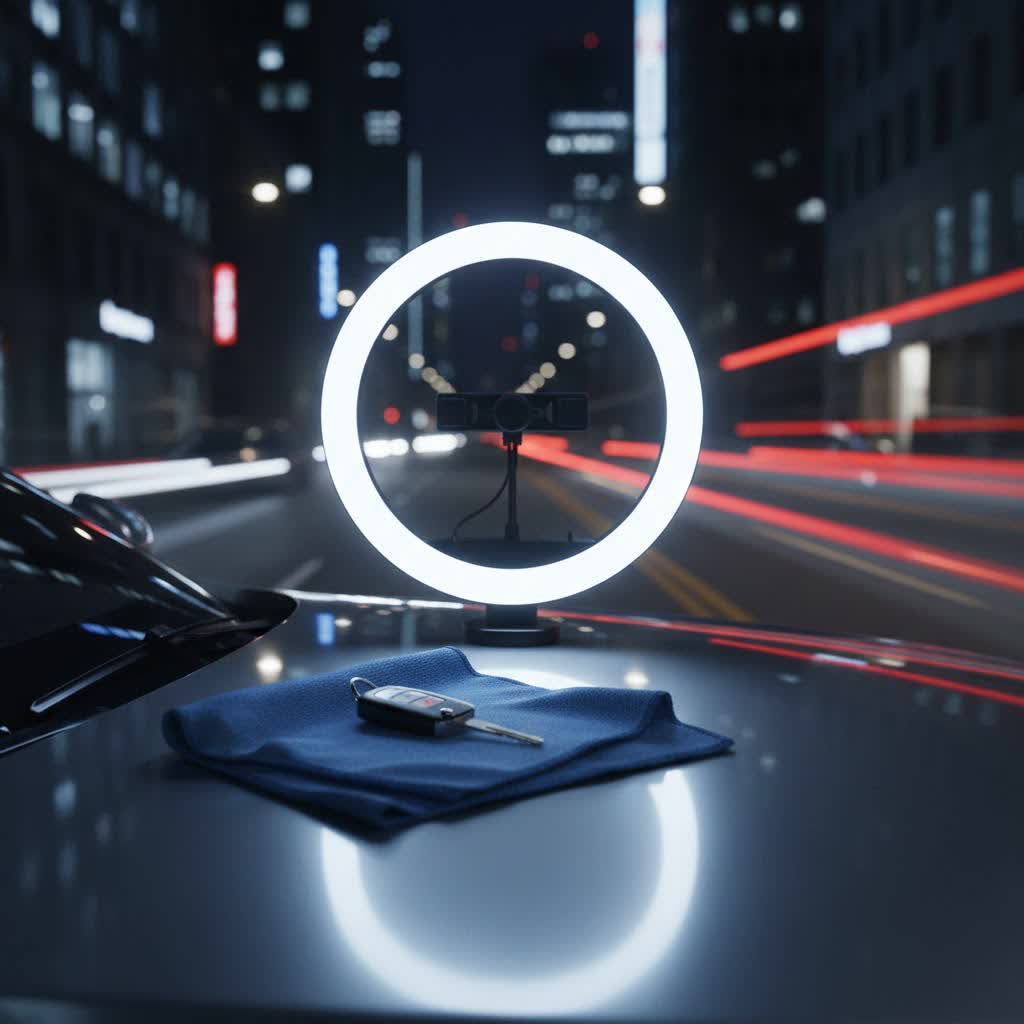
A ring light is a simple yet powerful lighting tool, typically a circular fluorescent or LED light. Its unique design creates a soft, even, and flattering light that encircles your camera lens, making it ideal for close-up video work. Unlike traditional lighting that can cast harsh shadows, a ring light distributes illumination uniformly across your face.
For Zoom meetings, the benefits are clear and immediate:
- Eliminates Harsh Shadows: The circular design ensures light hits your face from all angles, minimizing unflattering shadows under your eyes, nose, and chin. This results in a smoother, more polished look.
- Even Illumination: It provides consistent and balanced lighting, preventing parts of your face from being overexposed while others remain dark.
- Enhances Professionalism: By brightening your face and reducing visual distractions, a ring light instantly elevates your perceived professionalism, making you appear more alert and engaged.
- Creates “Catchlights”: The circular light creates attractive, natural-looking rings of light in your eyes, often called “catchlights,” which make your eyes sparkle and appear more vibrant.
- Improves Skin Tone: With proper color temperature adjustment, a ring light can make your skin tone look healthier and more natural, even in poorly lit environments.
Types of Ring Lights for Video Conferencing
Ring lights come in various forms, each suited for different needs and setups. Understanding these types helps you pinpoint the best option for your specific Zoom meeting requirements.
By Size
- Clip-on/Mini Ring Lights: These small, portable lights attach directly to your laptop, phone, or monitor. They are compact, often USB-powered, and excellent for on-the-go professionals or those with limited desk space. While convenient, their light output might be less powerful.
- Desk Ring Lights (10-14 inches): This is the most common and versatile category for video conferencing. These lights come with a small desktop tripod or a clamp that attaches to your desk. They offer a good balance of size, brightness, and features, providing ample illumination for individual users.
- Larger Ring Lights (18 inches and above): Typically used for professional photography, makeup artistry, or streaming setups, these lights come with tall floor stands. While they offer a very soft, studio-like glow and wide coverage, they might be overkill and take up too much space for a typical Zoom meeting setup.
|
Our Picks for the Best Ring Light in 2026
As an Amazon Associate I earn from qualifying purchases.
|
||
| Num | Product | Action |
|---|---|---|
| 1 | Ring Floodlight Cam Pro, Wired (newest model), Home or business security, Retinal 4K with wide-angle video, 10x Enhanced Zoom, and 2000 Lumen Floodlights, White |

|
| 2 | Ring Outdoor Cam Pro, Plug-In (newest model), Home or business security, Retinal 4K with wide-angle video, 10x Enhanced Zoom, and Low-Light Sight, White |
|
| 3 | Sensyne 10'' Ring Light with 50'' Extendable Tripod Stand, LED Circle Lights with Phone Holder for Live Stream/Makeup/YouTube Video/TikTok, Compatible with All Phones |
|
| 4 | UBeesize 12'' Selfie Ring Light with 62’’ Tripod Stand for Video Recording, Live Streaming(YouTube, Instagram, TIK Tok), Compatible with Phones, Cameras and Webcams |
|
| 5 | Video Conference Lighting for Zoom Meeting, Ring Light for Desk with Flexible Stand, 30 Light Modes Light for Video Recording, Desk Light & Memory Function for Zoom Calls, Video Streaming, Webcam |
|
| 6 | Ring Spotlight Cam Pro, Plug-in (newest model), Home or business security, Retinal 4K with wide-angle video, 10x Enhanced Zoom, and 600 Lumen Spotlights, White |
|
| 7 | Hagibis 21 inch Ring Light with Stand Outer 55W 5600k Dimmable LED Light, Tripod Stand,and Phone Holder,Remote Controller,Carrying Bag ,CRI 97+ 2540lux, for Streaming Home Office Zoom Call Lighting |
|
| 8 | CloudValley Magnetic Desktop 10" Ring Light with Battery Display, 5000mAh Overhead Phone Mount, Foldable Portable LED Light with 3 Modes & 10-Level Brightness for Makeup, Selfies, TikTok, YouTube |
|
| 9 | Weilisi 10" Ring Light with Stand 72'' Tall & Phone Holder,38 Color Modes Selfie Light with Tripod Stand,Stepless Dimmable/Speed LED Ring Light for iPhone & Android,YouTube, Makeup,TIK Tok |
|
| 10 | NEEWER Ring Light 18inch Kit: 55W 5600K Professional LED with Stand and Phone Holder, Soft Tube & Bag for Tattoo Lash Extension Barber Makeup Artist Studio Video Photography Lighting, RL-18 |
|
By Power Source
- USB-Powered: Many compact and desk-sized ring lights are powered via USB, making them highly convenient for use with laptops, desktop computers, or USB wall adapters. They are often more portable but might have lower maximum brightness.
- AC Adapter Powered: Larger and more powerful ring lights typically plug into a wall outlet. These provide consistent, higher brightness output, suitable for longer sessions or more demanding lighting needs.
- Battery-Powered: Some portable ring lights include a built-in rechargeable battery, offering the flexibility to use them wirelessly. This is ideal for travel or setups where power outlets are scarce, though battery life can vary.
By Features
- Adjustable Brightness: Most modern ring lights allow you to dim or brighten the light, offering multiple intensity levels to adapt to your environment’s natural lighting.
- Color Temperature Adjustment: This crucial feature allows you to shift the light’s hue from warm (yellow/orange) to cool (blue/white). Measured in Kelvin (K), this helps match ambient lighting and flatter your skin tone.
- Remote Control/App Control: Higher-end models may include a wired or wireless remote, or even Wi-Fi connectivity for app control, allowing you to adjust settings without reaching for the light itself.
- Phone Holders/Camera Mounts: Many ring lights integrate a flexible arm or mount within the ring to hold your smartphone or a small webcam, simplifying your setup.
Key Features to Consider When Choosing a Ring Light
Selecting the perfect ring light involves more than just picking the first one you see. Focusing on specific features will ensure it meets your unique video conferencing demands.
Size and Portability
Consider your workspace and travel habits. A clip-on light is excellent for laptops and small desks, offering ultimate portability. A 10-14 inch desk ring light is ideal for most home office setups, providing good coverage without dominating your space. If you frequently change locations, look for lightweight models with a compact design or battery options.
Brightness and Dimming Capability
The ability to adjust brightness is paramount. Your ideal ring light should offer a wide range of dimming levels (e.g., 10-level adjustment). This flexibility allows you to fine-tune the illumination, ensuring you’re perfectly lit without appearing overexposed or creating an uncomfortable glare. Start with a lower setting and gradually increase it until you achieve the desired effect.
Color Temperature Adjustment
Achieving a natural look depends heavily on color temperature. Look for lights that offer a range from warm (around 3200K) to cool (around 6500K). For most video calls, a neutral daylight-like setting between 4500K and 5000K is often optimal, as it mimics natural daylight without appearing too blue or too yellow.
Mounting Options and Stability
How the light sits on your desk or attaches to your device is critical.
- Tripod Stands: Ensure it’s sturdy and adjustable in height. Some mini tripods are designed for desktop use, while larger ones offer more versatility.
- Clip-on Designs: Ideal for laptops and monitors, verify the clip is secure and won’t damage your device.
- Flexible Arms: These allow for precise positioning and angling of the light or attached phone holder.
Power Source (USB vs. AC)
- USB-powered lights are convenient for computer-based setups and portability.
- AC-powered lights typically offer higher, more consistent brightness and are better for fixed workstations.
Ease of Use and Controls
Intuitive controls, whether on the light itself, an inline remote, or a wireless remote, simplify adjustments during calls. Wi-Fi enabled lights with app control offer the ultimate convenience for professionals.
CRI (Color Rendering Index)
While less critical for basic Zoom calls, a high CRI (90+) indicates that the light will render colors more accurately, which can be beneficial for those in creative fields or presenting products.
Top Ring Light Recommendations for Zoom Meetings
Navigating the market for the perfect ring light can be daunting. Here are a few highly-regarded options that consistently deliver for Zoom meeting users:
- Logitech Litra Glow: Praised for its compact size, TrueSoft technology for diffuse light, and monitor mount, it’s excellent for tight workspaces and extended use without eye strain.
- Neewer LED Ring Light Kits: Neewer offers a range of sizes (e.g., 10-inch, 12-inch, 18-inch) at various price points. They are known for good brightness, color temperature control, and often come with sturdy tripods and phone holders, offering great value.
- UBeesize Selfie Ring Light: A popular budget-friendly choice, typically 10 inches, providing adjustable brightness and color temperature with a flexible tripod and phone holder, making it compact and versatile.
- Razer Ring Light: A robust 12-inch option offering excellent light quality and a stable tripod, ideal for daily video conferencing and light streaming.
- Lume Cube Cordless Ring Light: A more premium option known for exceptional brightness, wide color temperature range, and versatile mounting, often with good battery life for extended sessions.
How to Effectively Use and Position Your Ring Light for Zoom
Even the best ring light needs proper setup to deliver optimal results. Strategic positioning and settings adjustments are key to looking your best.
Placement: The Sweet Spot
Position your ring light directly in front of you, centered with your webcam or laptop screen. This ensures even illumination across your face. Ideally, the center of the ring light should be at eye level or slightly above, angled slightly downwards. This angle helps reduce shadows under your eyes and chin, providing a more flattering glow. Avoid placing it too far to one side, as this can create unnatural shadows.
Distance: An Arm’s Length Away
The distance between you and the ring light is crucial for soft, even lighting. A good rule of thumb is to place the light approximately an arm’s length away, or about 2-3 feet from your face. Too close, and the light can be harsh; too far, and it loses its effectiveness. Experiment by moving closer and farther, observing the changes on your screen.
Brightness: Find Your Balance
Start with a low brightness setting (around 20-30%) and gradually increase it. The goal is to brighten your face without washing out your features or overexposing your image. Your camera might auto-adjust, so ensure you still see detail in both bright and dark areas of your scene. If your background appears too dark, you might need to increase the light on yourself or add a subtle background light.
Color Temperature: For a Natural Glow
Adjust the color temperature to match your environment. If your room has warm (yellowish) lighting, a slightly warmer setting on your ring light might blend better. However, for a generally flattering and natural look in most indoor settings, aim for a neutral daylight temperature, typically between 4500K and 5000K. Avoid going too high (above 5600K) as it can appear overly cool or bluish on camera.
Dealing with Glasses Glare
If you wear glasses, the circular reflection of the ring light can be distracting. To minimize this:
- Raise the Light: Elevate the ring light slightly above eye level.
- Angle Slightly: Gently tilt the light upwards and slightly to one side (e.g., 15-30 degrees off-center). This usually shifts the reflection out of your direct line of sight while still providing good illumination. Experiment with subtle adjustments.
Background Considerations
While your ring light focuses on you, a tidy and uncluttered background also contributes to a professional look. Ensure your workspace is clean and free of distractions.
Common Ring Light Issues and Troubleshooting
Even with the right gear, users can encounter issues. Here’s how to troubleshoot common ring light problems during Zoom meetings:
- Harsh Shadows or Flat Lighting:
- Problem: The light is too close, too bright, or positioned incorrectly (e.g., too low, or too far to one side).
- Fix: Increase your distance from the light to about an arm’s length. Lower the brightness. Ensure the light is at eye level or slightly above and centered.
- “Demon Eye” Catchlight (Unnatural Rings in Eyes):
- Problem: The ring light’s reflection is too prominent in your eyes.
- Fix: This is a common complaint. Try moving the ring light slightly off-center (e.g., 15-20 degrees to the left or right) and slightly raising it. This can shift the reflection to a less noticeable part of your eye or off-camera.
- Reflections on Glasses:
- Problem: As discussed, the light source is directly reflecting off your eyewear.
- Fix: Elevate the light and angle it slightly upwards and to the side. Small adjustments make a big difference here.
- Incorrect Color / Unnatural Skin Tone:
- Problem: The color temperature setting doesn’t match your ambient light or flatter your skin tone.
- Fix: Adjust the color temperature. Start with a neutral daylight setting (4500K-5000K) and tweak it warmer or cooler until your skin looks natural and healthy on screen.
- Not Bright Enough:
- Problem: The light’s output is insufficient for your environment.
- Fix: Ensure the ring light is at its maximum brightness if needed. Check if your camera’s exposure is auto-adjusting and compensating too much. If still not bright enough, you might need a larger or more powerful ring light, or consider adding a second, less intense fill light (like a small desk lamp) to balance the scene.
Where to Purchase Your Ring Light
Finding a reliable ring light is straightforward thanks to widespread availability. You can purchase them from several convenient sources.
- Online Retailers: Platforms like Amazon, B&H Photo, and specialty electronics websites offer a vast selection of ring lights from various brands. These sites often provide detailed product descriptions, customer reviews, and comparative pricing, making it easy to find the right fit.
- Electronics Stores: Major electronics retailers often carry a selection of ring lights, allowing you to see and test some models in person before buying. This can be beneficial for assessing size, build quality, and brightness firsthand.
When purchasing, especially online, always look for products with clear return policies and warranties. Reading recent customer reviews can also provide valuable insights into real-world performance and durability.
Conclusion
A well-chosen and properly utilized ring light is more than just a gadget; it’s an investment in your virtual presence. By eliminating distracting shadows, providing even illumination, and enhancing your natural features, a ring light empowers you to present yourself professionally and confidently in every Zoom meeting. The right lighting can significantly impact how you’re perceived, making you appear more engaged, approachable, and competent.
Ready to transform your virtual persona and make a lasting impression in your next online meeting? Which feature of a ring light do you think will benefit your Zoom calls the most?
Frequently Asked Questions
What size ring light is best for Zoom meetings?
For most Zoom meetings, a 10-inch to 14-inch ring light strikes the best balance between coverage and desk space. Smaller clip-on lights are great for portability, while larger 18-inch lights are better suited for broader, studio-like lighting or if you sit further from your camera.
How do I eliminate glare from my glasses when using a ring light?
To minimize glare on glasses, position your ring light slightly above eye level and angle it a few degrees off-center (e.g., slightly to the left or right). This subtle adjustment often shifts the reflection out of your direct line of sight, maintaining good illumination without distraction.
Can a ring light improve webcam quality for Zoom?
While a ring light doesn’t directly enhance your webcam’s resolution, it dramatically improves the perceived quality of your video by providing optimal lighting. It eliminates shadows, brightens your face, and ensures consistent exposure, making you look clearer and more professional on any webcam.
What color temperature is best for a natural look on Zoom?
For a natural and flattering appearance on Zoom, a color temperature between 4500K and 5000K (Kelvin) is generally recommended. This range closely mimics natural daylight, avoiding overly warm (yellowish) or cool (bluish) tones that can make your skin look unnatural.
